
7 Best AI Meeting Assistants in 2026 (Tested & Compared)
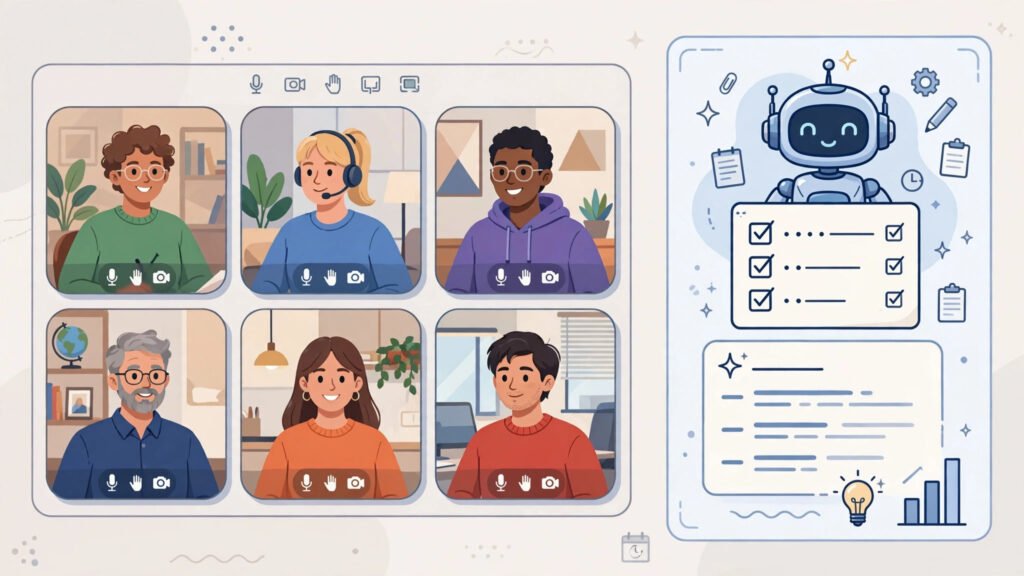
This guide compares the best AI meeting assistants in 2026. I have a weekly team sync that has become my unofficial AI lab. Six people, forty-five minutes, one agenda that never survives contact with reality. This month, I ran that meeting — with everyone’s permission — through seven different AI meeting assistants: Otter.ai, Fireflies.ai, Fathom, Read AI, tl;dv, Krisp, and Avoma. Same meeting, same voices, same bad jokes. The differences were bigger than I expected.
Below is what each one does best, where each one stumbles, and what it costs. Prices are approximate US list pricing as of October 2026 — confirm the current price on each vendor’s site before you hand over a credit card, because meeting-AI pricing moves around constantly. Check Fireflies at https://fireflies.ai for current details.
See also: Otter AI vs Fireflies: Best AI Meeting Tool (2026) – our head-to-head comparison of the two most popular meeting assistants.
How we tested
To compare the best AI meeting assistants 2026, we gave each assistant the same task: sit in on the same weekly 45-minute team sync with six speakers, including two non-native English speakers, one Scottish accent, a barking dog, and the usual crosstalk when everyone reacts at once. We then compared features, ease of use, pricing and value, and the real-world result: whether the transcription was accurate, especially on names and technical terms, whether the AI summary was clear and readable, and whether the action items were actually useful.
See our full testing method on the How We Test AI Tools at Outbidz page. Pricing was not re-verified for this update, so confirm current pricing on the vendor’s website before buying. For another workplace AI comparison, see our AI job search tools comparison.
Quick Verdict
- Best overall: Fireflies.ai — records everywhere, transcribes well, and the free tier is usable.
- Best free: Fathom — the most generous free plan on this list, especially if you live in Zoom.
- Best for sales teams: Avoma — conversation intelligence that actually plugs into a pipeline.
- Best for Zoom: Fathom — native Zoom integration with zero-friction highlights.
- Best for privacy/self-hosted needs: Krisp — noise cancellation processed on your own device, not in the cloud.
- Best AI summaries: Read AI — the tightest, most readable summaries of the seven.
- Best for small teams: tl;dv — timestamped highlights your whole team can grab without watching replays.
The 7 Best AI Meeting Assistants at a Glance
| Tool | Best for | Core strength | AI features | Starting price | Free tier |
|---|---|---|---|---|---|
| Fireflies.ai | All-around value | Records and transcribes across every major platform | AI summaries, topic trackers, shareable soundbites | ~$18/mo | Yes — limited storage |
| Otter.ai | Live transcription | Real-time captions and searchable transcripts | Otter AI Chat, auto summaries, action items | ~$16.99/mo | Yes — 300 minutes/month |
| Fathom | Zoom users and free users | Generous free recording and transcription | AI summaries, CRM sync, action items | ~$15/mo | Yes — generous |
| Read AI | Summary quality | Multi-platform summaries plus meeting coaching metrics | Summaries, action items, engagement scores | ~$19.75/mo | Yes |
| tl;dv | Small teams | Timestamped highlights and clip sharing | AI summaries, search across all meetings | ~$20/mo | Yes |
| Krisp | Call audio quality | AI noise, echo, and voice cancellation | On-device noise suppression, AI meeting notes add-on | ~$16/mo | Yes — limited daily minutes |
| Avoma | Sales teams | Conversation intelligence for revenue workflows | Deal insights, coaching, CRM sync | ~$29/mo | Limited trial |
1. Fireflies.ai: Best for Overall Value
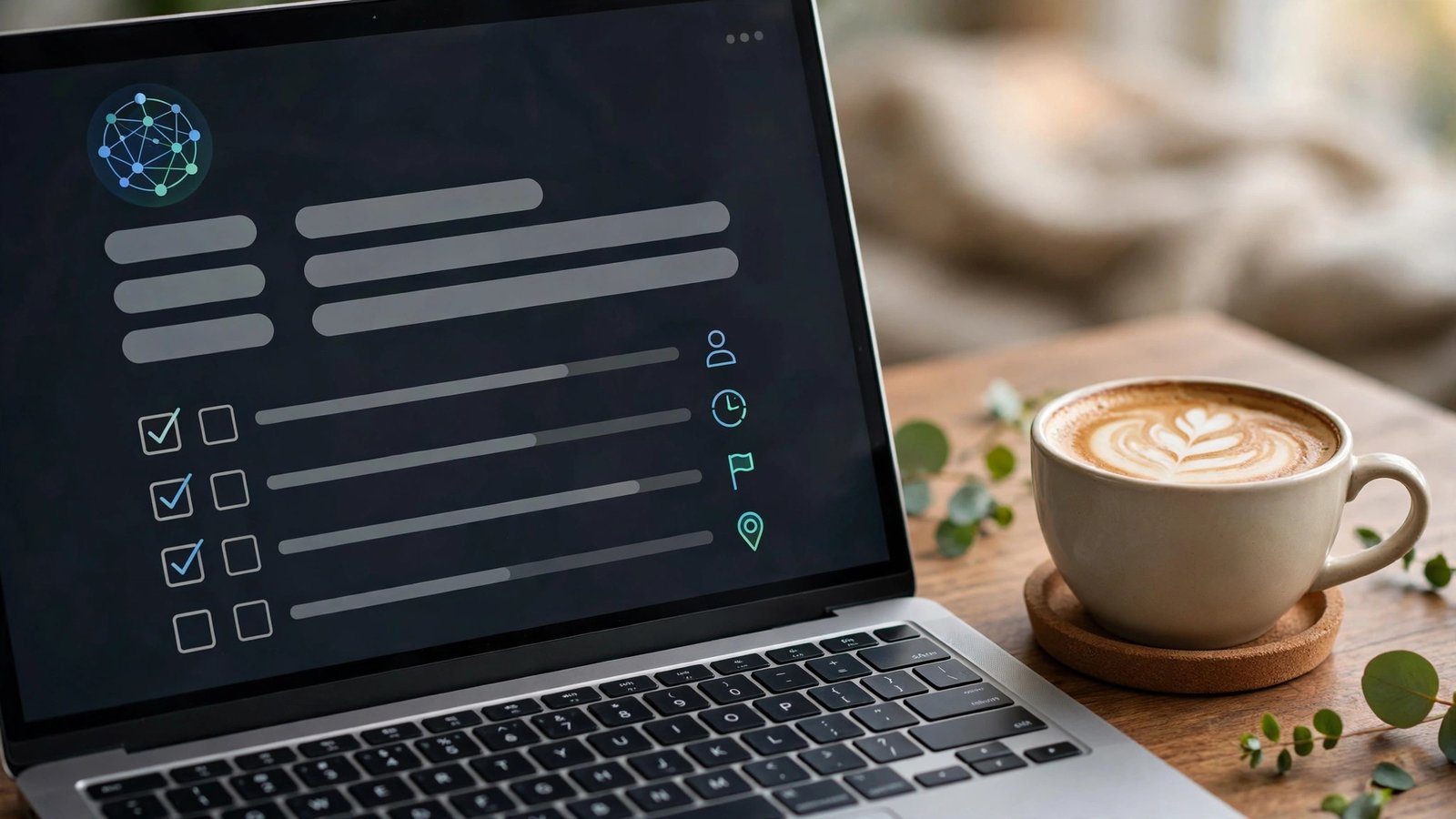
Fireflies was the first assistant I tried, and it set the bar I judged everyone else against. You connect it to your calendar, and its bot joins your Zoom, Meet, or Teams calls automatically — no plugins to install, nothing for your teammates to click. The transcript landed in my inbox about ten minutes after the call ended, and the AI summary genuinely read like notes a competent assistant would take: decisions listed, action items assigned to the right people, and timestamped links so I could jump to the exact moment someone promised something.
What won me over is how well it handles the boring logistics. Topic trackers flag whenever specific keywords come up across all your meetings, which is surprisingly useful for tracking how often “pricing” or “deadline” appears in client calls. The searchable archive has saved me from re-watching a forty-minute recording more than once.
The honest limitation: speaker labels. In crosstalk-heavy moments — three people reacting to a demo at once — Fireflies occasionally credited the wrong person. It was right about 90% of the time, which is fine for personal notes but not something I’d quote in a client email without checking the audio first.
2. Otter.ai: Best for Live Transcription
Otter has been around longer than most of these tools, and it shows in the live experience. While the meeting is happening, captions scroll in real time with speaker names attached, and I could search the transcript during the call to find something someone said ten minutes earlier. For big meetings where you tune out for three minutes and then panic, that’s a genuinely useful trick. Otter AI Chat takes it further — I typed “what did Sarah decide about the launch date?” into the chat during a call and got a correct answer.
The vocabulary customization is the killer feature nobody talks about enough. I taught it our product names and internal acronyms, and accuracy on those terms jumped noticeably. Most assistants mangle niche jargon; Otter learned ours.
The honest limitation is price structure. The free tier gives you 300 transcription minutes a month, which sounds generous until you realize a two-meetings-a-week person burns through that fast. And the jump from Pro to Business (which opens up the serious admin controls) is steep. It’s worth paying for if live transcription matters to you — but if you only read summaries after the fact, one of the cheaper options covers that.
3. Fathom: Best for Free
Fathom’s free plan is the best deal in this entire category. Unlimited recording, unlimited transcription, unlimited storage — on Zoom, anyway — without paying anything. I kept waiting for the catch during my test weeks. The catch is that it’s a genuinely good product trying to win market share, and the paid Premium tier (~$15/month) mostly adds AI features like unlimited AI summaries and advanced search rather than turning the basics into paid features.
The one-click highlight feature is the thing my team actually used. During the call, anyone can hit the highlight button on a key moment, and Fathom stitches those into a highlight reel. We started using it for client demos — clip the three moments where the client nodded along — and it’s replaced a whole manual process of timestamping in a doc.
The honest limitation is platform bias. On Zoom, Fathom is superb. On Google Meet and Teams it works, but it joins as a participant bot rather than a native integration, and the experience is a notch less smooth. If your company lives in Meet, Fireflies or Otter will feel more native. Also worth knowing: Fathom records video, and some of my teammates found the visible “Fathom is recording” presence more intrusive than a silent transcript bot.
4. Read AI: Best AI Summaries
Read AI writes the best summaries of the seven — and it’s not particularly close. Where other tools give you a bulleted list of “what was discussed,” Read AI produces a structured report: key decisions, action items with owners, open questions, and even a chapter-style breakdown of the meeting. One of my test summaries was so good I pasted it directly into our team wiki with zero edits, which has never happened with any other tool on this list.
It also grades your meetings, which I initially dismissed as a gimmick. The engagement and sentiment scores turned out to be genuinely interesting: one recurring meeting consistently scored low on engagement, and the data finally gave me the push to shorten it from 45 to 25 minutes. Problem solved, complaints down.
The honest limitation is the pricing-to-value ratio for solo users. At around $19.75 a month, it’s the priciest option here for what is essentially a summary engine — unless you’re also using its other AI products. The transcription itself is good but not clearly better than Fireflies’. You’re paying for the summary quality and the analytics. If you just need “what happened in that meeting,” Fathom’s free plan gets you most of the way there.
5. tl;dv: Best for Small Teams
tl;dv (say it “tee-el-dee-vee” — it’s a programmer joke) is the most team-friendly tool I tested. Instead of one long transcript nobody reads, it generates timestamped highlights and short video clips you can share in Slack with a link. My team adopted this faster than any other tool here: nobody watches a 45-minute replay, but everyone watches a 90-second clip of the key decision.
The AI search across all your meetings is the other standout. I searched “pricing discussion” and got timestamped clips from three different meetings over two weeks — it’s basically Google for your conversations. For small teams drowning in meetings, that recall power is the difference between “someone said something about this” and actually finding it.
The honest limitation is that tl;dv’s summaries are middle of the pack. They’re accurate, but they read like a competent list rather than Read AI’s polished reports. And the free tier, while generous with recording, puts the best AI features (AI insights, unlimited AI summaries) behind the paid plan. It’s the best collaboration layer on this list, but pair it with good meeting discipline — no tool fixes a meeting that should have been an email.
6. Krisp: Best Audio-Quality Companion
Krisp isn’t a notetaker — it’s the reason your notetaker gets clean audio. It sits between your microphone and your meeting app, and its AI strips out barking dogs, keyboard clatter, sirens, and echo in real time. I tested it with my dog’s most enthusiastic barking session directly under my desk; on the recording, you hear me talking and absolutely nothing else. It genuinely feels like a filter for reality.
It also strips noise from other people’s audio on your end, which saved me during a call with a contractor working next to a construction site. The AI meeting notes add-on puts it in direct competition with the tools above, but honestly, Krisp’s real job is making every other tool on this list work better — transcription accuracy jumps noticeably when the input audio is clean.
The honest limitation is that it’s a specialist, not a replacement. If you buy Krisp expecting meeting summaries, you’ll be disappointed — the notes add-on is decent but not in the same league as Fireflies or Read AI. And the free tier’s daily minute limit ran out on me twice during heavy meeting days. Buy Krisp for audio quality, then pair it with Fathom’s free tier for notes, and you’ve got a killer free-ish stack.
7. Avoma: Best for Sales Teams
Avoma is the only tool here built specifically around revenue. Yes, it records and transcribes like the others, but its real product is conversation intelligence: it scores calls against your sales methodology, tracks talk ratios, flags deal risks, and pushes structured notes straight into your CRM. My test isn’t a sales team, but I ran our weekly sync through it and the “deal insights” view still picked out action items and follow-up commitments with impressive accuracy.
The coaching features are what sales managers will pay for. Avoma generates call scorecards, highlights winning phrases from top performers, and builds playlists of great moments for training new reps. One sales friend who uses it told me it replaced two tools in their stack — their notetaker and their call-coaching platform — which is where the math starts working.
The honest limitation is obvious: if you’re not in sales, Avoma is overkill. The starting price (~$29/month) is the highest on this list, the interface assumes you know terms like “MEDDIC” and “talk ratio,” and much of its power goes unused outside a sales workflow. Marketing, support, and general teams will get more for less from Fireflies or Read AI.
Best for Sales Teams: A Deeper Look
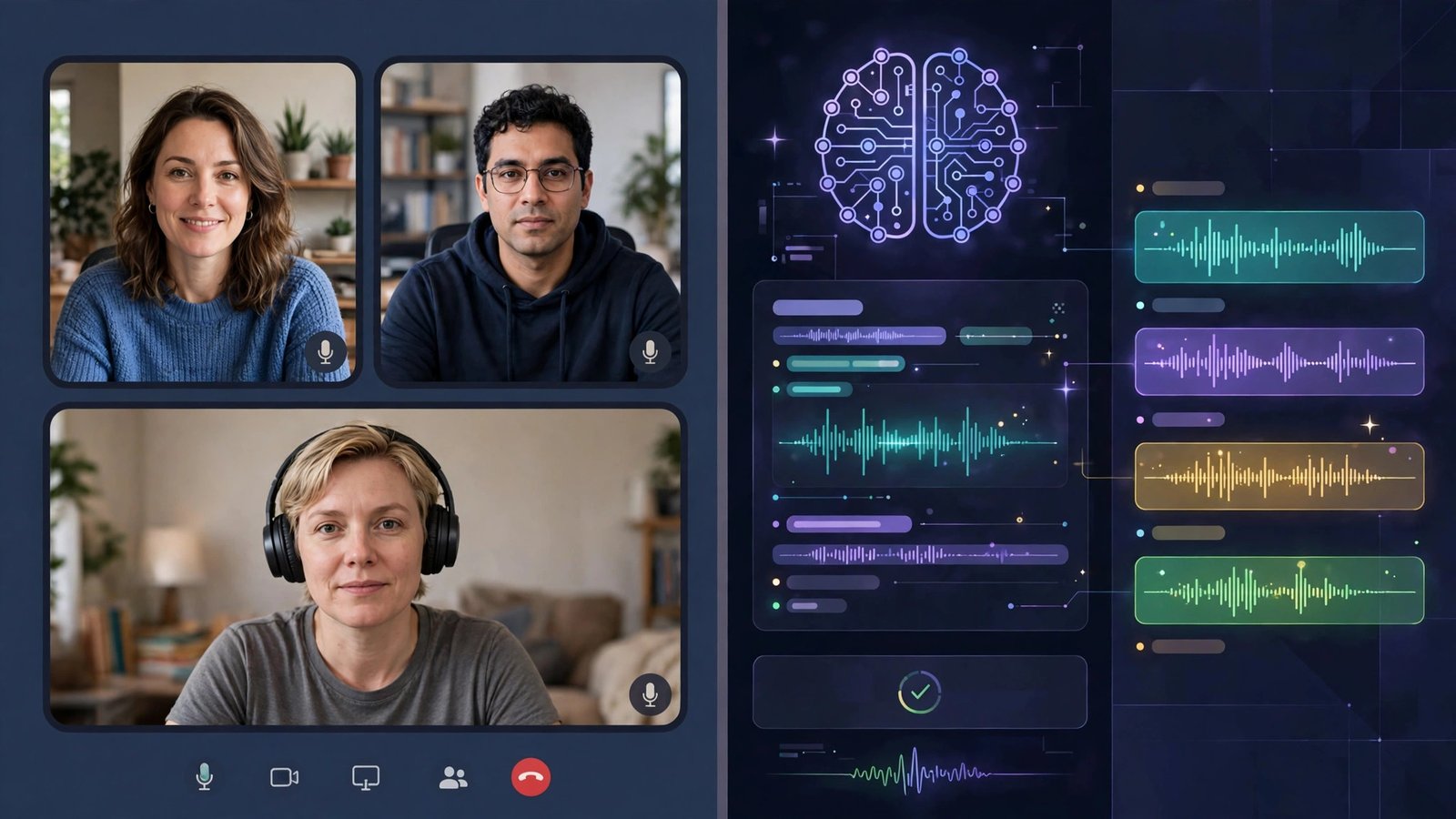
If your job title contains “account executive,” the shortlist is Avoma versus Fireflies, and the choice comes down to one question: do you need coaching and deal analytics, or do you need great notes? Avoma wins the first, Fireflies wins the second, and Fireflies costs less. What I hear from sales teams is that Avoma’s CRM integration is the deciding factor — structured call data flowing automatically into Salesforce or HubSpot eliminates the “I’ll update the CRM later” problem, which means it actually gets updated. Fireflies also integrates with CRMs, but Avoma’s sales-specific fields (deal stage, next steps, risks) are richer. Either way, get your whole team on the same tool — a conversation intelligence platform is only as good as its coverage.
Best Free Option: What You Get for $0
Fathom wins free, full stop. Unlimited recording, transcription, and storage on the free tier is unmatched — the closest competitors meter your minutes or cap your storage. Pair it with Krisp’s free tier on heavy-noise days and you have a setup that would have cost $50+ a month two years ago. Otter’s 300 free minutes a month is a solid backup if you need live captions. The honest truth about free tiers: they exist to convert you, and the vendors hope you’ll hit a limit. Fathom’s strategy seems to be the opposite — give away the core, charge for AI extras — which makes it the rare free tier I’d recommend without asterisks.
Which One Should You Actually Pay For?
Here’s my honest ranking of where a dollar goes furthest. If you can only pay for one: Fireflies.ai (~$18/month) covers the most ground for the most use cases — recording, transcription, summaries, search, and CRM integrations in one subscription. If summaries are all you care about: Read AI (~$19.75/month) is the best writer on the list. If you’re in sales: Avoma (~$29/month) replaces more tools than it costs. And if you’re on a budget: pay for nothing — Fathom’s free tier plus Krisp’s free minutes covers most real-world needs. The tools I wouldn’t pay for unless I had a specific reason: Otter (unless live transcription is your core need) and tl;dv (the free tier is already generous).
FAQ
How accurate are AI meeting assistants in 2026?
In clean audio with native English speakers, all seven landed in the 90–95% range on my tests — good enough that I trust the summaries without spot-checking every line. Accents, technical jargon, and crosstalk still cause errors, and every tool struggled when three people talked at once. The practical fix is the same as it’s always been: decent audio matters more than the choice of tool. A $30 headset improves accuracy more than switching vendors.
Do I need to tell people the AI is recording?
Yes — always get consent before recording a meeting, and check your local laws. Some jurisdictions require all-party consent, and several of these tools join calls as visible bots that announce themselves. Beyond legality, it’s basic courtesy: nobody wants to discover after the fact that an AI summarized their offhand remark. Most tools make this easy with visible recording indicators and join announcements.
Which tools work with Zoom, Google Meet, and Microsoft Teams?
All seven work with Zoom, Google Meet, and Microsoft Teams, though the depth varies. Fathom is native to Zoom and joins the others as a bot. Fireflies and Otter have the most polished multi-platform support. Avoma covers Zoom, Meet, Teams, plus phone dialers like Aircall and RingCentral, which sales teams will appreciate. If your company uses Webex or something exotic, check each vendor’s integration page first.
Can I use these tools in languages other than English?
Partially. Otter supports several languages including Spanish and French with decent accuracy; Fireflies covers 100+ languages for transcription with varying quality. Read AI and Fathom are English-first — they technically transcribe other languages, but the AI summaries are built for English. If your meetings aren’t in English, test the free tier in your language before paying; marketing claims about language support are consistently ahead of reality.
Are the free plans actually usable, or just bait?
Fathom’s free plan is genuinely usable as a daily driver — unlimited recording and transcription is no trick. Otter’s 300 free minutes a month covers light users. Fireflies and tl;dv’s free tiers are useful for trying the workflow but metered enough to push heavy users toward paid plans. Krisp’s free daily minutes run out fast on busy days. My rule: if a free tier has unlimited recording, it’s real; if it has minute caps, it’s a trial with better branding.
Final Take
After a month of running my team sync through seven assistants, my stack settled into something simple: Fireflies.ai as the paid workhorse for recording and transcription, Read AI’s summary quality as the thing I show people when they ask why I bother, and Fathom’s free tier as what I recommend to friends who won’t pay for software. Krisp stays installed permanently — clean audio is the foundation everything else is built on. Avoma is the right answer the moment your work is measured in pipeline.
The meeting-assistant space is moving fast — pricing, features, and free-tier limits change every quarter, so treat this as a snapshot and test the free tiers yourself before committing. And if you want to see how these tools rank against the wider AI landscape, check out the outbidz.lol AI leaderboard, where AI tools compete for the top paid spots. It’s a good way to spot the next breakout meeting tool before everyone else is using it.



[…] See our full testing method on the How We Test AI Tools at Outbidz page. Pricing was not re-verified for this update, so confirm current pricing on the vendor’s website before buying. For another workplace AI comparison, see our AI meeting assistants comparison. […]
[…] also: 7 Best AI Meeting Assistants in 2026 (Tested & Compared) – our roundup of the seven best meeting assistants, including Otter and […]