
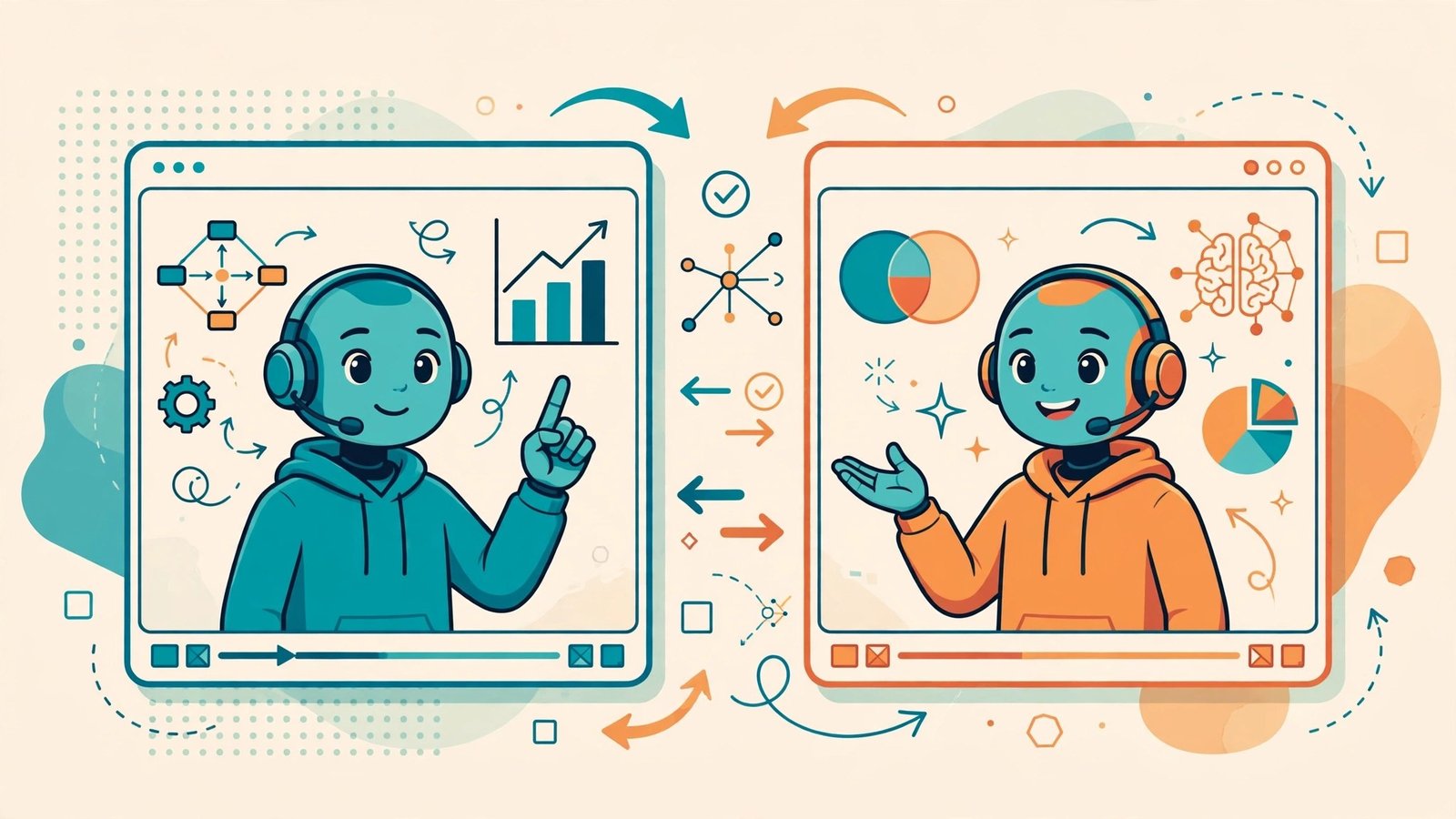
AI Avatar Tools for Explainer Videos: An Honest Comparison
Explainer videos used to mean one of two things: hiring an animator for thousands of dollars, or filming yourself and spending a weekend editing. AI avatar tools for explainer videos created a third option — type a script, pick a digital presenter, and get a finished video in an afternoon.
But not all AI avatar tools for explainer videos are built for explainers. Some excel at marketing clips, others at training videos, and a few are really just novelty talking-head generators wearing a business suit. I compared the five tools that serious teams actually use for explainer content, judged on the criteria that matter for this specific job: presenter quality, script-to-video workflow, languages, editing flexibility, and value.
The Comparison at a Glance
| Synthesia | HeyGen | Colossyan | D-ID | Elai | |
|---|---|---|---|---|---|
| Best for | Corporate explainers | Versatile marketing + explainers | Training and learning videos | Photo-to-talking-head | Budget explainers |
| Avatar realism | Very high | Very high | High | Good (stylized) | Good |
| Avatar library size | Large | Very large | Medium | Custom-focused | Medium |
| Custom avatar (your face) | Yes | Yes | Yes | Yes (from photo) | Yes |
| Languages | 140+ | 170+ | 70+ | 100+ | 75+ |
| Templates | Extensive | Extensive | Learning-focused | Basic | Good |
| Editing style | Scene-based slides | Timeline + scenes | Scenario-based | Single-scene | Scene-based |
| Free tier | Limited demo | Limited free plan | Trial | Trial credits | Trial |
| Price band | Mid to high | Mid | Mid | Low to mid | Low |
Feature details change often — confirm current plans on each vendor’s site.
What Makes an Avatar Tool Good for Explainers Specifically
Explainers have demands that generic AI video tools do not:
- Sustained narration. Your avatar talks for 2 to 5 minutes straight. Micro-expressions and gestures have to hold up over that duration, not just in a 15-second clip.
- Visual support. Nobody watches a talking head for five minutes. The tool needs templates, screen layouts, and ways to show diagrams, text callouts, and product screenshots alongside the presenter.
- Script iteration. Explainer scripts go through revisions. You need to regenerate one scene without rebuilding the whole video.
- Brand consistency. Same avatar, same voice, same colors across a 20-video series. Template locking and brand kits matter.
With that bar set, here is how each of these AI avatar tools for explainer videos measures up.
Synthesia — The Corporate Standard
Synthesia is the name most enterprises land on, and for explainers it earns the reputation. The avatars are among the most natural-looking available, the scene-based editor mirrors PowerPoint (which your team already knows), and the template library covers onboarding, product tours, compliance training, and sales explainers out of the box.
Where it wins for explainers: consistency at scale. Build one branded template, and your whole team produces videos that look like they came from the same studio. The collaboration features — comments, shared workspaces — fit how companies actually make videos.
Where it loses: price and creative ceiling. It sits in the mid-to-high band, and the output always looks like Synthesia. If you want a distinctive visual style, you will fight the templates.
Verdict: The safe enterprise pick. If your boss asks “which one do the big companies use,” this is the answer.
HeyGen — The Most Versatile
HeyGen does explainers well, but its real strength is range: the same platform makes product demos, personalized sales videos, translated content, and social clips. The avatar quality rivals Synthesia, the voice library is enormous, and features like voice cloning and video translation are genuinely useful for teams localizing explainers across markets.
Where it wins for explainers: if your explainer program spans multiple use cases — say, product explainers plus localized versions plus short promo cuts — HeyGen covers all of it without a second tool.
Where it loses: the breadth can overwhelm. Teams that only need straightforward explainers may find themselves paying for features they never touch.
Verdict: Best all-rounder. Pick it when explainers are one of several video needs.
Colossyan — The Learning Specialist
Colossyan positions itself for training and learning content, and the product reflects it: scenario-based templates, quiz-like interactions, and avatars with a warm, instructor-like presence. For employee onboarding explainers, software tutorials, and course content, it feels purpose-built in a way the generalists do not.
Where it wins for explainers: educational structure. If your explainers teach rather than sell, the learning-oriented templates save real production time.
Where it loses: narrower scope. Marketing-style explainers with punchy visuals are not its home turf, and the avatar library is smaller than the big two.
Verdict: The pick for learning and development teams and course creators. For training explainers, it beats the generalists.
D-ID — The Photo-to-Presenter Shortcut
D-ID takes a different approach: upload a photo, and it becomes a talking head. No avatar library browsing, no studio shoot for a custom avatar — just a still image that speaks your script with animated facial movement. It also offers a real-time conversational API for interactive use cases.
Where it wins for explainers: speed and personalization. Turn a founder’s headshot into a product explainer in minutes. For agencies producing many short explainers, the workflow is hard to beat.
Where it loses: realism over duration. A photo animated into speech looks convincing for 30 seconds; over a 4-minute explainer, the illusion thins. It is also more single-scene oriented — complex multi-scene explainers need assembly elsewhere.
Verdict: Best for quick, personalized explainers. Not the pick for flagship brand videos.
Elai — The Budget Contender
Elai covers the core explainer workflow — script to avatar video with templates, multiple languages, and custom avatars — at a lower price band than the leaders. For startups and solo creators who need explainers without enterprise budgets, it is the value play.
Where it wins for explainers: price-to-capability ratio. You get the essential explainer features without the enterprise markup.
Where it loses: polish. Avatar realism and template design trail the leaders. Viewers will not mistake it for a Synthesia production.
Verdict: The smart budget pick. Good enough for most startup explainers, honest about what it is.
Head-to-Head: The Decisions That Actually Matter
Avatar realism: Synthesia and HeyGen lead, Colossyan close behind, Elai and D-ID a step back. But realism has diminishing returns — past a point, script quality matters more than pores.
Ease of use: All five are designed for non-editors. Colossyan and Elai are the simplest; Synthesia’s collaboration features add mild complexity that pays off for teams.
Multilingual explainers: HeyGen’s language count and translation features lead. If you ship explainers in twelve languages, this decides it.
Brand control: Synthesia’s templates and brand kits are the most mature. HeyGen is catching up fast.
Budget: Elai wins outright, D-ID is affordable for its niche, and the other three compete in the mid-market with free trials worth using before you commit.
My Recommendations by Scenario
- Enterprise explainer program: Synthesia. Templates, collaboration, and consistency win at scale.
- Startup product explainers: Elai if budget is tight, HeyGen if you can stretch — the quality gap shows in investor-facing content.
- Training and onboarding videos: Colossyan. It is built for exactly this.
- Founder-led or personalized explainers: D-ID for speed, or HeyGen’s custom avatar if you want higher fidelity.
- Multilingual explainer library: HeyGen, no contest.
The through-line for choosing AI avatar tools for explainer videos: match the tool to the job’s real constraints — budget, volume, audience — not to the flashiest demo. A perfect avatar reading a weak script still produces a weak explainer. Spend half your effort on the script, then pick the tool that presents it best.
Frequently Asked Questions
Do AI avatar explainers actually convert?
They perform comparably to traditionally produced explainers for informational content — product tours, onboarding, FAQs — because viewers care about clarity, not production method. For emotional brand storytelling, human-shot video still wins. Use avatars where information is the product.
How long does it take to make an explainer with these tools?
A 2-minute explainer typically takes 1 to 3 hours with these AI avatar tools for explainer videos, including scriptwriting, once you know the tool. The first one takes longer; by the fifth, you have templates and the process is routine. Compare that to weeks for animated explainers.
Can I use my own face as the avatar?
Yes — Synthesia, HeyGen, Colossyan, and Elai all offer custom avatars created from your recorded footage, and D-ID can animate a single photo. Custom avatars usually require a verification step to prevent misuse, and they sit on higher-tier plans.
Will viewers know it is AI?
Probably, if they look closely. Current avatars are convincing at a glance but reveal themselves in subtle ways — perfectly steady eye contact, slightly uniform gestures. For most explainer contexts this does not matter; viewers care whether the video answers their question.
What is the biggest mistake people make with avatar explainers?
Writing the script like a blog post instead of spoken language. Avatar narration exposes stiff writing brutally. Read every script aloud before generating — if you stumble reading it, the avatar will sound worse.
Final Word: Best AI Avatar Tools for Explainer Videos
For pure explainer work, this AI avatar tools for explainer videos comparison narrows the field fast: Synthesia for enterprise scale, HeyGen for versatility, Colossyan for training, D-ID for speed, Elai for budget. There is no universal winner — there is the right tool for your volume, audience, and wallet.
To see how these avatar platforms rank against newer entrants, check the outbidz.lol leaderboard, where the community votes on the AI video tools actually worth using — and if you need faces for thumbnails or promos, see our roundup of the best AI selfie generators.



[…] marketing, that single skill is decisive. Need AI-generated presenters instead of stills? See the AI avatar tools for explainer videos. Business strengths: typography in images, fast social-ready output. Considerations: narrower […]