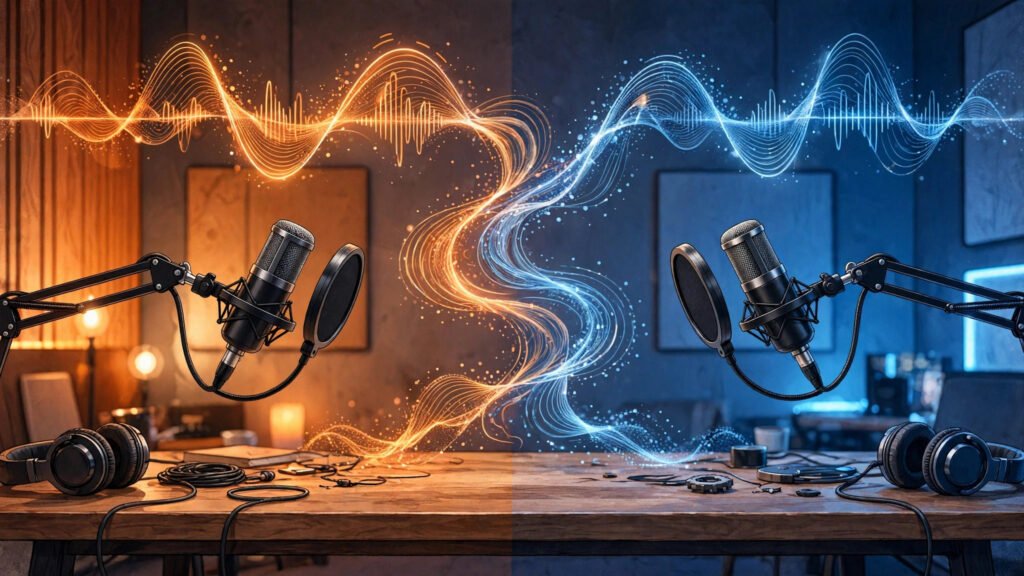
Descript vs Riverside: Which Is Better for Creators in 2026?
Every creator I know hits the same wall eventually. Recording the episode is the fun part — the conversation, the energy, the “this is going to be great” feeling. Then the file lands on your hard drive and the real work starts: three hours of scrubbing through a timeline, deleting “ums,” fixing levels, and re-listening to the same tangent four times because you can’t remember if it was worth keeping.
I lived that cycle for years, so this year I ran a proper experiment. I cut the same podcast episodes and YouTube interviews in both Descript and Riverside — full episodes, not demos — to find out which one actually saves time and which one just looks good in a product trailer. Here’s what I learned after a month of real editing sessions.
Quick Verdict
- Podcast-first teams with remote guests: Riverside — the local recording quality is in another league.
- Solo YouTubers who hate timelines: Descript — you edit a document, not a waveform.
- Remote interviews where video quality matters: Riverside, no contest. 4K local capture beats browser-compressed video every time.
- Text-based editing fans: Descript — it invented this category and still does it best.
- Budget pick: Descript — its entry plan and free tier give you more editing power per dollar.
- “I want one tool for everything”: Record in Riverside, edit in Descript. Most serious creators I know run exactly this combo.
Descript vs Riverside at a Glance
| Descript | Riverside | |
|---|---|---|
| Best For | Solo creators and teams who want to edit audio/video like a text document | Podcasters and video creators recording remote guests in high quality |
| Core Strength | Text-based editing: delete words in the transcript and the media cuts itself | Studio-grade remote recording with separate local tracks for every guest |
| Standout AI Feature | Overdub (AI voice cloning to fix or generate speech) and filler-word removal | Magic Editor and AI-generated clips, chapters, and show notes |
| Recording Quality | Decent via Descript Rooms, but recording is not its headline feature | Up to 4K video and uncompressed 48kHz WAV audio, recorded locally on each guest’s device |
| Editing Approach | Edit the transcript; the timeline follows automatically | Timeline editor with transcript-assisted editing; improving, but more traditional |
| Starting Price | Free plan available; paid plans start around $12/month per editor | Free plan available; paid plans start around $15/month |
| Free Tier | Limited transcription hours per month — fine for testing, tight for real work | Around 2 hours of recording — enough to test a full episode workflow |

What Descript Does Best
Descript’s pitch is simple: what if editing audio was like editing a Word doc? And honestly, it works better than it has any right to. I took a 45-minute interview episode — the kind with rambling answers, false starts, and my guest saying “like” every third word — and cleaned it in under an hour. You highlight the sentence you don’t want and hit delete. The audio is gone. You drag a paragraph to reorder a section and the media reorders with it. The first time you do it, you keep checking the waveform because it feels like cheating.
The filler-word removal is the feature I reach for most. One click scans the whole transcript and pulls out every “um,” “uh,” and “you know,” with a little preview so you can keep the ones that sound natural. On a recent episode it found 214 filler words. I kept about 30 of them — the ones that made my guest sound human — and killed the rest. That alone saved me 40 minutes.
Then there’s Overdub, Descript’s AI voice feature. You train it on your own voice (it needs your explicit consent and a sample recording), and then you can type a corrected word and have it spoken in your voice. I mispronounced a sponsor’s name mid-sentence and fixed it by typing three words instead of re-recording a whole segment. It is genuinely startling how natural it sounds on short fixes. Longer generated passages still have a tell — a certain flatness in the cadence — so I only use it for surgical repairs.
Studio Sound is the other quiet hero. One toggle and it cleans up room echo, background hum, and uneven levels. My co-host records in an untreated spare bedroom, and Studio Sound makes him sound like he’s in a treated booth. It’s not magic — it can’t fix a truly terrible mic — but it raises the floor of every recording noticeably.
For repurposing, Descript’s AI (Underlord) will pull highlight clips, write a summary, and draft show notes from your episode. The clips are hit-or-miss — about half are usable as-is — but the chapters and summaries are consistently solid, and they feed straight into my YouTube descriptions.
The honest limitation: Descript is an editor first, and it shows when you try to record with it. Descript Rooms works fine for a casual conversation, but the video quality doesn’t touch Riverside’s, and the recording feature set is thinner — no teleprompter, fewer guest-management controls. Transcription accuracy also dips with heavy accents or crosstalk; I had one episode with two guests talking over each other where the transcript needed real manual cleanup. And Overdub, for all its usefulness, comes with a responsibility tax: you have to be careful and transparent about synthetic voice, and training a good voice model takes more sample audio than the marketing suggests. The app itself can feel heavy on older machines, especially with long multitrack projects.
What Riverside Does Best
Riverside’s whole philosophy is: the recording is sacred. Instead of capturing a compressed Zoom-style stream, it records each guest locally on their own device — full resolution video, uncompressed audio — and uploads progressively in the background. When my guest’s internet stuttered mid-interview last month, the Zoom-style preview froze for ten seconds. I braced for a ruined segment. The local recording was flawless. That moment alone sold me on the architecture.
The numbers back it up: up to 4K video resolution and 48kHz WAV audio, with every participant on a separate track. Separate tracks are the thing you don’t appreciate until you’ve tried to fix one person’s echo without touching everyone else’s audio. In Riverside’s editor, my guest’s track and mine are independent files. I can denoise his track, rebalance, and export without affecting anything else.
Guest experience is another quiet win. Guests join from a browser link — no downloads, no accounts. There’s a green room, a lobby where you can brief them before they go “on air,” and on-screen prompts. My least tech-savvy guest (my dad, for a Father’s Day episode) got in without a single support call from me. The built-in teleprompter is genuinely useful for scripted intros, and live streaming to YouTube or LinkedIn straight from the studio has replaced a separate streaming setup I used to maintain.
Riverside’s Magic Editor deserves a mention too. After recording, it gives you a rough cut with silences trimmed, filler words flagged, and suggested clips. It’s not as deep as Descript’s text editing, but for getting a first draft or a batch of social clips quickly, it’s genuinely useful. The auto-generated chapters and show notes are decent starting points.
The honest limitation: Riverside’s editor is the weaker half of the product. It has added transcript-based editing, but it doesn’t match Descript’s fluidity — selecting text and having the cut just happen still feels one generation behind. The AI clip suggestions are inconsistent; I’d estimate one in three is actually post-worthy without tweaks. Filler-word removal exists but feels bolted on compared to Descript, where it’s central to the workflow. And while local recording protects you from internet drops, your guests still need a reasonably modern browser and device — I’ve had one guest on an old Chromebook produce a choppy local file, which is the one failure mode the architecture can’t fully prevent. Finally, Riverside is priced as a recording studio, so if you mostly record solo and your bottleneck is editing time, you’re paying for horsepower you won’t use.
Recording Quality Compared
This is the least ambiguous part of the comparison. Riverside was built from the ground up for remote recording quality, and it shows in every spec that matters: local capture up to 4K, uncompressed audio, separate tracks per participant, progressive upload so a dropped connection doesn’t lose anything. If your show lives or dies on how professional the raw footage looks and sounds — video podcasts, course content, client interviews — Riverside is the professional choice.
Descript’s recording side (Rooms) is perfectly serviceable for solo recording and casual guest chats, and its screen recording with automatic green-screen backgrounds is actually lovely for tutorials. But it records a stream, not a pristine local file, so you’re more exposed to network quality. In my side-by-side test — same guest, same mic, one session each — the Riverside file had visibly sharper video and cleaner audio with less compression artifacting. It wasn’t close.
The practical takeaway: if recording quality is your bottleneck, start with Riverside. You can always edit the files wherever you like afterward.
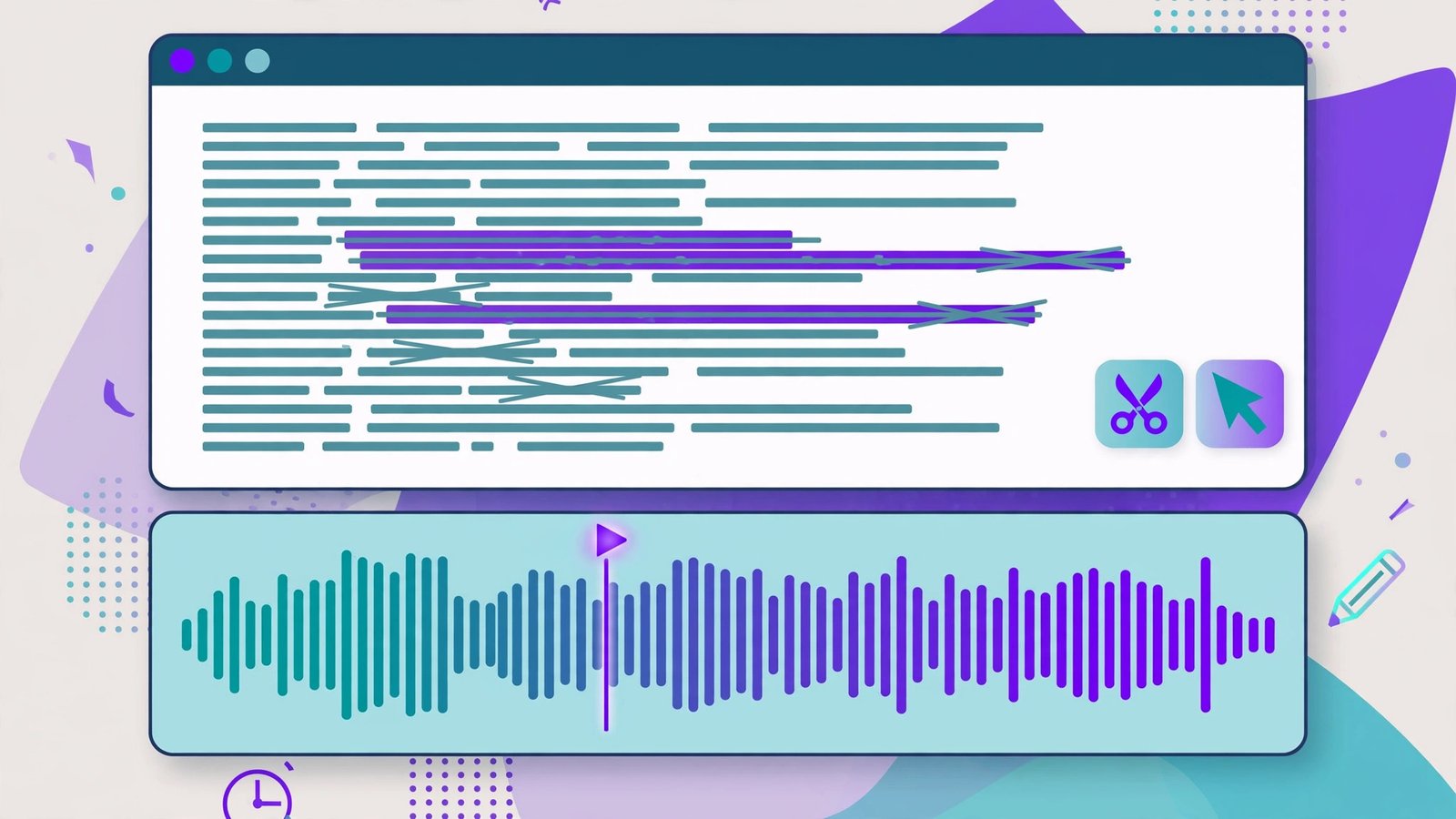
Editing Workflow: Text vs Timeline
Here’s where Descript pulls ahead, and it’s not subtle. In Descript, the transcript IS the editor. I restructured an entire episode last week — moved the cold open, cut two tangents, tightened the outro — by dragging paragraphs around like I was rearranging a blog post. Total time: 25 minutes. Doing the same restructure in a traditional timeline would have been an hour of ripple-deleting and crossfade-fixing.
Descript also handles multitrack elegantly through its sequences and scenes features. For my video podcast, I built a template with camera angles as scenes; cutting between speakers is a matter of assigning text to a scene. It took an afternoon to learn and now saves me hours per episode.
Riverside’s editor has genuinely improved — the transcript panel lets you click words to navigate, and text-based trimming works for basic cuts. But complex restructuring still pushes you toward the timeline, and the timeline tools are competent rather than delightful. Where Riverside’s editing shines is speed-to-first-draft: finish recording, let the Magic Editor build a rough cut, export clips for social. It’s a “record to publish” pipeline; Descript is a “craft the episode” workshop.
My actual workflow, for what it’s worth: record in Riverside, export the separate tracks, and do the real edit in Descript. It sounds like extra steps, but the handoff is just a download and an upload, and each tool does what it’s best at. Plenty of creators I know do exactly this.
Pricing Compared: What You Actually Get
Both tools have free tiers, and both are genuinely useful for testing — not the hollow “free” that lets you do nothing.
Descript’s free plan gives you limited transcription hours per month, which is enough to edit a short episode or two and feel the text-editing workflow. Paid plans start around $12/month per editor (pricing shifts, so check the current page), and the mid-tier plan around $24/month is where most serious creators land — more transcription hours, full Overdub voices, and the complete AI feature set. The per-editor pricing means costs scale with team size, which is worth knowing if you’re bringing on an editor.
Riverside’s free plan includes roughly 2 hours of recording, which is honestly generous — that’s a full episode to test the entire remote workflow end to end. Paid plans start around $15/month, with the step-up plan around $24/month adding 4K recording, more recording hours, and the fuller feature set. For a weekly show, the entry paid plan is usually sufficient; the higher tier makes sense if you’re recording in 4K or running multiple shows.
Value judgment: if your main pain is editing time, Descript’s entry plan returns more per dollar. If your main pain is recording quality for remote guests, Riverside’s entry plan is the cheapest way to sound like a studio. And remember the combo move — Riverside’s free tier for recording plus Descript’s free tier for light editing can carry a new show surprisingly far before you pay anything.
(Pricing changes often in this space, so treat these numbers as a snapshot and confirm on each company’s pricing page before you commit.)
FAQ
Can you record remote guests in 4K?
With Riverside, yes — 4K video recording is available on its higher-tier plans, and even the standard plans capture high-definition local video that looks dramatically better than a typical video-call recording. Descript’s recording feature caps out lower and is really designed for convenience rather than maximum fidelity. If 4K guest video is a requirement, Riverside is the answer.
Do both tools remove filler words automatically?
Both can, but Descript does it far better. Its filler-word removal is a one-click, transcript-wide operation with per-word control, and it’s the feature I miss most when editing elsewhere. Riverside offers filler removal in its editor, but it’s less central to the workflow and I found its detection less thorough on my test episodes. For “um”-heavy guests, Descript wins clearly.
Which is easier for beginners?
It depends on what you’re beginning at. For recording your first remote interview, Riverside is easier — send a link, hit record, done. For editing your first episode, Descript is easier — if you can edit a document, you can edit audio. The steepest learning curve in either tool is Descript’s advanced features (scenes, sequences, Overdub), but you don’t need those on day one.
Can I use Descript and Riverside together?
Absolutely, and it’s one of the most common professional workflows I see. Record your session in Riverside to get pristine local tracks, then import the audio or video into Descript for text-based editing, filler removal, and repurposing. The handoff is simple — export from Riverside, import to Descript — and you get the best of both tools for the price of two modest subscriptions.
Which is better for a solo podcaster on a budget?
Descript, in most cases. A solo podcaster’s biggest time sink is editing, and Descript attacks exactly that — plus its entry plan is slightly cheaper and its free tier covers light editing. The exception: if you regularly interview remote guests and audio quality complaints are hurting your show, Riverside’s recording quality is worth the money even on a tight budget, because no amount of editing fixes a bad recording.
Final Take
After a month of cutting real episodes in both, my answer is boring but honest: they solve different problems. Riverside solved my recording problem — guests sound like they’re in the room, tracks are separate, and I stopped worrying about internet drops ruining interviews. Descript solved my editing problem — episodes that took a full Sunday now take an evening, and repurposing for clips and show notes happens in the same session instead of “later” (which meant never).
If I had to pick just one, I’d ask which part of your process hurts more. Dreading the edit? Descript. Embarrassed by guest audio quality? Riverside. And if you can stretch to both, the Riverside-to-Descript pipeline is the best creator workflow I’ve used in 2026 — record like a studio, edit like a document. One more thing: the AI tools space moves fast, and both of these companies ship features monthly. Before you lock in, it’s worth checking how they stack up against the broader field — the outbidz.lol leaderboard tracks AI tools across categories with real user rankings, which is a handy sanity check alongside any single review (including this one).