
10 Best AI Video Generators (Text to Video) in 2026 (Tested & Compared)
I have spent an embarrassing amount of money on AI video generators over the past year. What started as curiosity — could I really turn a sentence into a video? — turned into a side project making product demos, faceless YouTube shorts, and explainer clips for clients. Some of these tools genuinely blew me away. Others produced nightmare-fuel hands and physics that would make a toddler laugh.
This is my hands-on ranking of the ten best AI video generators for text-to-video in 2026. I tested each one with the same three prompts — a cinematic product shot, a talking street scene, and a stylized animation — and judged them on output quality, how much control you actually get, pricing, and whether the free tier is usable or a joke.
Here is how the ten best AI video generators compare in 2026, with pricing checked against current plans.
Quick Verdict
- Best overall: Runway Gen-4 — the most controllable, most reliable text-to-video engine for serious work.
- Best for realistic footage: Google Veo 3 — native synced audio and the most believable physics on the market.
- Best value: Kling — shockingly good quality at around $8/month.
- Best free tier: Hailuo (MiniMax) — generous daily credits, 1080p output, no watermark.
- Best for character consistency: Pika — keep the same character across clips better than anything else here.
- Best cinematic style: Luma Dream Machine — the prettiest motion and lighting of any tool on this list.
- Best for fast marketing videos: Invideo AI — one sentence in, a finished narrated video out, in minutes.
- Best for repurposing content: Pictory — paste a blog post, get a captioned social video.
- Best voiceovers: Fliki — 2,000+ AI voices that actually sound human.
- Best hype, weakest access: Sora — stunning demos, but the hardest to actually use.
AI Video Generators at a Glance
| Tool | Best for | Core strength / AI features | Pricing | Free tier |
|---|---|---|---|---|
| Runway Gen-4 | Professional creative control | Reference images, camera controls, inpainting, motion brush | Plans from around $12/mo | Yes — limited one-time credits |
| Pika | Consistent characters, playful styles | Pikaffects, character reference, lip sync | Plans from around $10/mo | Yes — daily credits |
| Luma Dream Machine | Cinematic motion and lighting | Ray 2 model, keyframe control, camera moves | Plans from around $10/mo | Yes — limited generations |
| Sora | High-concept short films | Long coherent scenes, storyboarding | Gated behind specific OpenAI plans | No meaningful free tier |
| Kling | Realistic footage on a budget | Strong physics, 2-minute clips, lip sync | Plans from around $8/mo | Yes — daily credits |
| Hailuo (MiniMax) | Free high-quality generation | 1080p output, fast renders, subject reference | Plans from around $10/mo | Yes — generous daily credits |
| Google Veo 3 | Realism with synced audio | Native dialogue, ambient sound, music generation | Via Google AI plans, from around $20/mo | Very limited trials |
| Invideo AI | Finished marketing videos fast | Script-to-video, stock media, auto voiceover, captions | Plans from around $25/mo | Yes — watermarked |
| Pictory | Blog-to-video repurposing | Article-to-video, auto captions, social formats | Plans from around $25/mo | Trial only |
| Fliki | Script-to-video with great voices | 2,000+ AI voices, multilingual, visual generation | Plans from around $21/mo | Yes — limited minutes |
What Runway Does Best
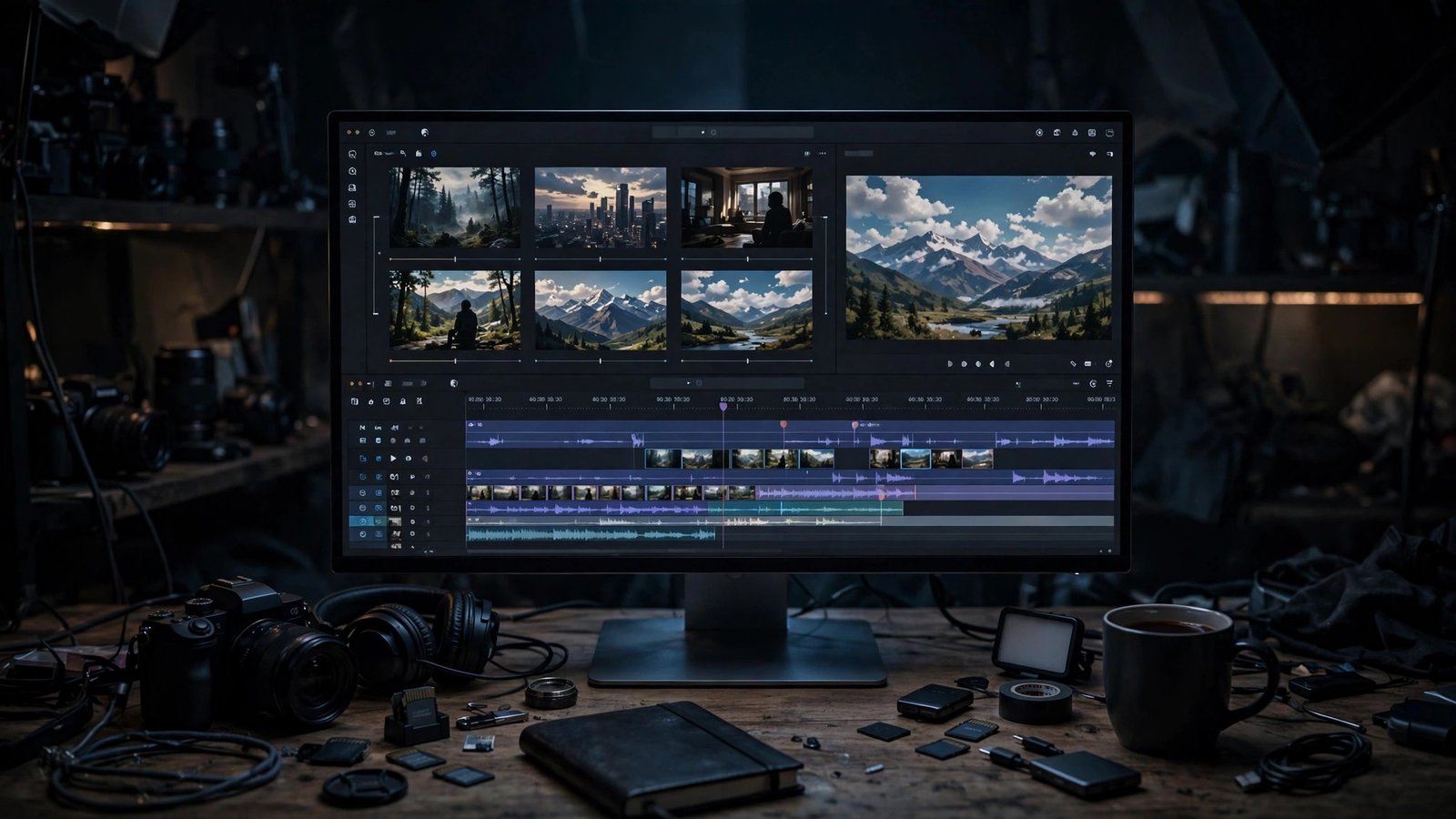
Runway is the professional’s pick, and it earned that spot. Gen-4’s reference system is the standout: upload a character or object image and it stays consistent across generations, which is the single hardest problem in AI video. The motion brush lets you paint exactly which parts of a frame should move. When I needed a product demo with a specific gadget rotating on a table, Runway was the only tool that nailed it in under five tries.
The honest limitation: the learning curve is real. This is not a type-a-sentence tool — getting great results means learning the controls, and the credit system punishes experimentation. I burned through half a month’s credits in one evening of testing. Beginners will feel overwhelmed; this tool rewards people who treat it like real production software.
What Pika Does Best
Pika is the fun one that turned out to be genuinely useful. Its character reference feature is the best I have tested at keeping a person or creature consistent across clips — I built a little mascot for a client’s social ads and he looked the same in every video. The Pikaffects (melting, exploding, inflating effects) are gimmicky but incredibly effective for scroll-stopping social content.
The honest limitation: maximum quality tops out below Runway and Veo. Fine for social media, not for anything where pixel-level polish matters. And while lip sync exists, it is noticeably less natural than dedicated avatar tools — mouths sometimes move like they are chewing rather than speaking.
What Luma Dream Machine Does Best
Luma produces the most beautiful motion on this list. The Ray 2 model’s understanding of camera movement — slow push-ins, orbiting shots, dramatic lighting shifts — is in a different league. My test of a foggy forest scene looked like something from a fantasy film trailer. For mood pieces, music visuals, and anything where the vibe matters more than literal accuracy, Luma is my first pick.
The honest limitation: it is a vibe machine, not a precision instrument. Ask for something specific — a person doing a specific action in a specific place — and it will give you something gorgeous that is not quite what you asked for. Prompt adherence is its weak spot, and the free tier is tight enough that you will feel it.
What Sora Does Best
Sora’s demo clips remain the most jaw-dropping in the industry — coherent multi-shot scenes with consistent characters and believable physics. The storyboarding approach, where you plan sequences rather than single clips, points at where this whole category is heading.
The honest limitation: access. It is the hardest tool on this list to actually use, gated behind specific plans with limited availability, and generation queues can be long. Judging it against tools you can open and use today feels unfair — it is the future of the category, not its present. Do not build a workflow around a tool you cannot reliably access.
What Kling Does Best
Kling is the best value in AI video, full stop. The physics are genuinely impressive — cloth moves like cloth, water splashes convincingly, and faces hold up in close-ups better than tools costing three times as much. It also generates longer clips than most competitors, up to around two minutes in some modes, which changes what you can actually make.
The honest limitation: the interface and documentation are not as polished as Western competitors, and prompt interpretation can be quirky — I had to rephrase prompts a few times to get what I wanted. Customer support in English is also thinner. But at the price, these are complaints, not dealbreakers.
What Hailuo (MiniMax) Does Best
Hailuo is proof that free does not have to mean bad. The daily credit allowance is generous enough for real work, output goes up to 1080p, and renders are fast. Its subject-reference feature keeps characters reasonably consistent. For anyone experimenting with AI video for the first time, this is where you should start — you can learn the craft without spending a cent.
The limitation: complex human motion still glitches. Hands, in particular, are a known weak spot — expect the occasional extra finger or merged palm. It also struggles with long prompts; it seems to weight the first sentence heavily and drop details from the rest. Front-load your key instructions and it does great.
What Google Veo 3 Does Best
Veo 3 is the one that made me sit back in my chair. Native audio — dialogue, ambient sound, music — generated alongside the video, and synced to the visuals. I prompted a street interview scene and got a person speaking with mouth movements that matched the generated words. No other tool on this list does that convincingly.
The limitation: it is locked inside Google’s ecosystem, so you are subscribing to a Google AI plan to get real usage. Costs scale with longer generations. And content filters are strict — perfectly innocent prompts sometimes get flagged and refused, which slows down experimentation.
What Invideo AI Does Best
Invideo AI is not really a “generator” in the Sora sense — it is a video factory. Give it one sentence and it writes the script, picks stock and AI visuals, adds a voiceover, captions, and music, then hands you an edited video. I made a full 60-second explainer for a side project in under ten minutes. For faceless YouTube channels and marketing teams, the speed is hard to argue with.
The honest limitation: the visuals are stock-heavy. If you want original AI-generated scenes throughout, you will be fighting the default template choices. The free tier also watermarks everything. Think of it as a production assistant, not an artist.
What Pictory Does Best
Pictory’s article-to-video pipeline is the fastest I have tested: paste a blog post, get a narrated video with matching visuals and auto-captions in minutes. For repurposing written content into social clips, nothing here beats it on pure speed. The caption styling options are genuinely good for TikTok and Reels formats.
The limitation: the output looks templated. Because it leans on stock footage libraries, two Pictory videos on similar topics can feel like cousins. It is a distribution tool, not a creative one — great for volume, less so for originality.
What Fliki Does Best
Fliki’s voice library is the star — over 2,000 AI voices across languages, and the best ones genuinely sound human. Paired with its visual generation, it is the smoothest path from a written script to a finished talking-head or explainer video. I produced a two-minute tutorial video where the voiceover and visuals matched the script beats almost perfectly.
The honest limitation: visual generation lags behind the audio. The AI scenes are serviceable but plain compared to Runway or Luma, and you can feel the tool’s real strength is the voice engine, not the video. If narration quality is your priority, Fliki wins. If visuals are, pair a voice tool with a visual one instead.
Best for Realistic Footage
If your goal is footage that could pass as real, the ranking is clear: Google Veo 3 first, then Kling, then Runway Gen-4. Veo 3’s native audio is the difference-maker — silent AI clips always feel slightly off, and synced dialogue fixes that instantly. Kling is the surprise second place: its physics and texture rendering beat tools that cost twice as much. Runway wins on control but its footage has a slightly polished “AI sheen” that Veo and Kling avoid.
For B-roll and atmosphere where realism matters less than mood, Luma jumps to the top. And for anything involving a recurring character, Pika’s consistency tools beat all three of the realism leaders.
Best Value for Money
Kling wins this outright. Around eight dollars a month gets you quality that competes with twenty-dollar tools, and its clip lengths are generous. Hailuo is the free-tier king — if your needs are modest, you might never need to pay. Pika’s entry tier is also reasonably priced for what you get.
At the premium end, Runway and Veo 3 justify their cost only if you are earning from the output. For a hobbyist making shorts for fun, paying top tier for Runway’s full suite is overkill. For a freelancer selling AI video work to clients, the cost pays for itself in a single project.

Pricing and Free Plans Compared
Here is how the money side breaks down. Most tools on this list offer some free tier, but the generosity varies wildly. Hailuo and Kling give daily credits you can actually use; Pika’s daily allowance is enough for testing but not production. Runway’s free credits are a taste, not a meal — you will hit the wall fast. Sora’s access is the most restricted of the bunch, gated behind specific plans.
On the paid side, entry tiers cluster around $8–25/month, which gets you enough generations for a serious hobbyist or a small content operation. The mid tiers ($25–60) are where the professional features unlock — longer clips, commercial licenses, priority rendering. My rule of thumb: start free, find the tool whose output style you like, then pay for exactly that one. Subscribing to three of these at once is the fastest way to waste money in AI video.
Watch for the free-tier watermark trap: Invideo and Pictory watermark free output, which makes it unusable for anything public-facing. Kling, Hailuo, and Pika’s free tiers give you clean output you can actually post.
FAQ
Which AI video generator is best for beginners?
Invideo AI, hands down. You type one sentence and get a finished, captioned video. There is almost no learning curve. If you want more creative control later, graduate to Pika or Luma, which are still friendly but let you direct the camera and style.
Can I use AI-generated videos commercially?
Usually yes, but check the plan. Most paid tiers include commercial licenses, while free tiers often do not — or restrict how you can use the output. Invideo and Pictory’s free watermarked videos are the classic example of what you cannot publish professionally. Read the license terms for your specific tier before selling anything.
How long can AI-generated videos be?
It depends on the tool. Kling leads here with clips up to around two minutes in some modes. Most others generate 5–15 second clips per prompt, which you stitch together. For a full-length video, expect to generate multiple clips and edit them — no tool on this list reliably produces a coherent five-minute film from one prompt.
Which text-to-video tool has the best free plan?
Hailuo (MiniMax). Its daily credits are generous, output is 1080p, and renders are fast. Kling is a close second. Both give you genuinely usable output without paying, which is more than most of the list can say.
Do AI video generators handle dialogue and sound?
Google Veo 3 is the only one on this list that generates synced dialogue and ambient audio convincingly. Fliki and Invideo AI add AI voiceovers to your video, which is different — the voices are great, but they are narration layered over visuals, not sound emerging from the scene. For true “the person in the video is talking” output, Veo 3 stands alone.
Final Take
If I had to pick one tool to recommend to most people, it would be Kling for paid use and Hailuo for free — the quality-per-dollar is simply better than everything else on this list right now. If your work demands top-tier realism with synced audio, Veo 3 is worth the premium. And if you are a marketer who needs finished videos fast rather than artful ones, Invideo AI will save you hours every week.
To see how these tools rank against the wider AI tool landscape — and to vote on your favorites — check out the AI tools leaderboard on outbidz.lol, where the community ranks the best AI tools across every category.